We currently host 9 tools that can read or write .JSON files. Please note that this list may be incomplete due to the constant development of new tools and features.
.JSON
The following results are listed in a random order.
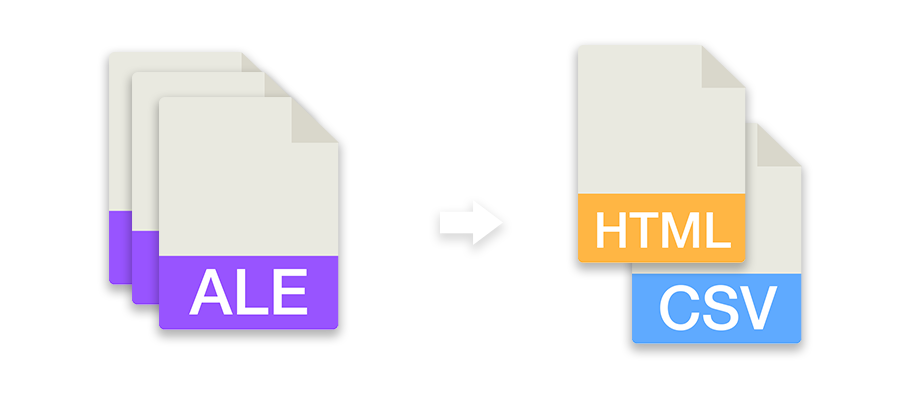
Rewrite ALE files with fixed columns, convert them to other formats or combine multiple ALE files into one file.
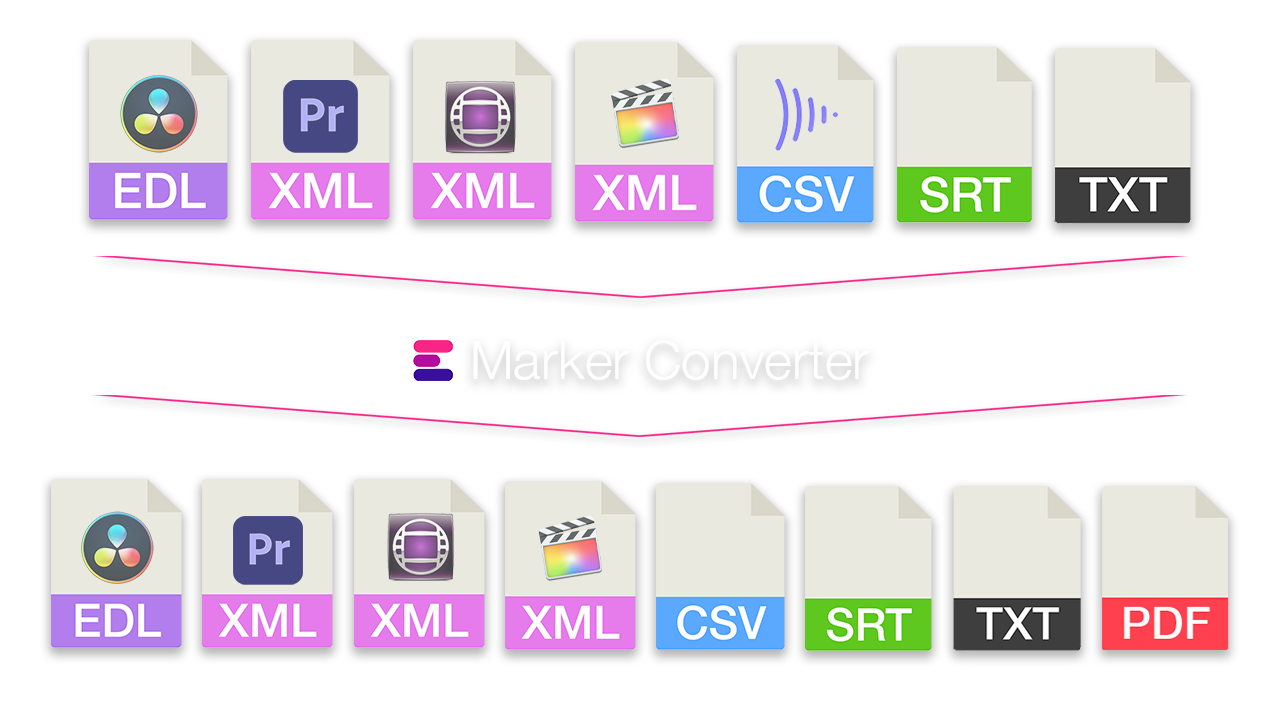
Simplify the exchange of markers between different programs. Convert timeline markers to various formats for Premiere Pro, DaVinci Resolve, Media Composer, Pro Tools, Frame.io, Pix, CSV, Google Sheets, PDF and more. The tool also lets you filter markers by color, swap colors, or move and correct timecodes.
Turn a Timeline into a simple Shot List or Table with Clip-Timecodes and additonal Meta-Data.
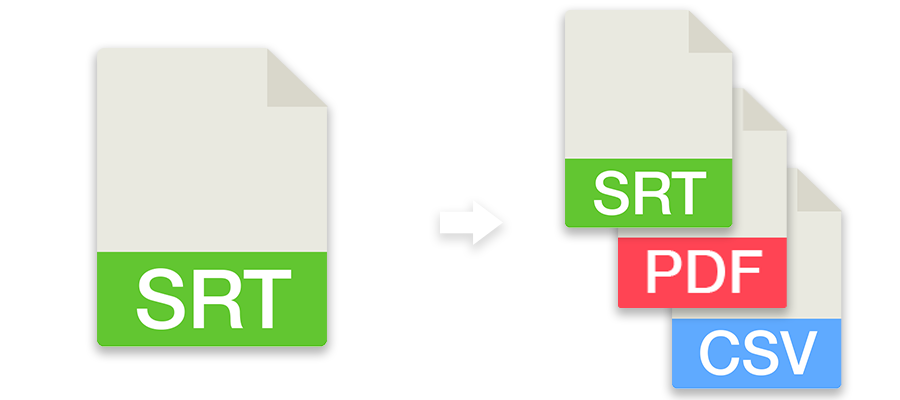
Convert subtitles to other file formats like SRT, VTT, SBV or use the tool to check subtitles for guidelines, repair, correct or move them. You can also convert subtitles to markers and use them in an editing program.
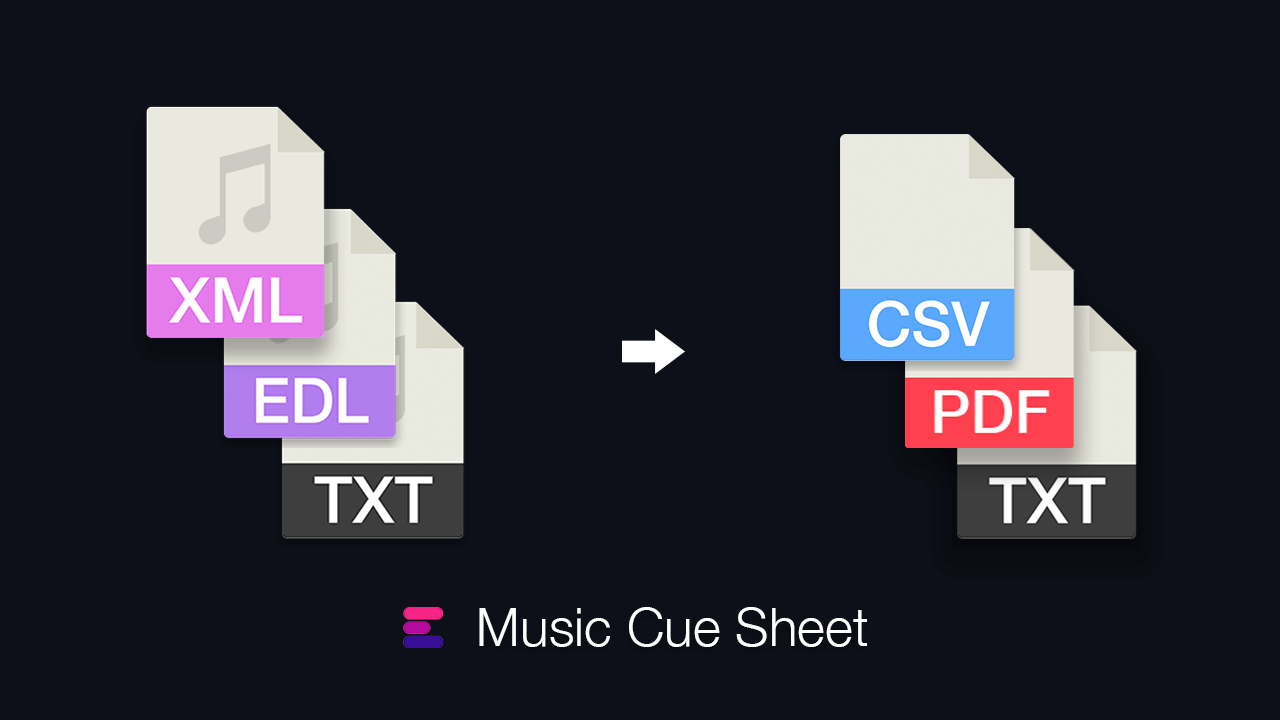
Generate a clean music cue sheet with timecodes, durations, and track metadata out of your editing sequence. Upload an XML or EDL file and generate a CSV, XLSX, PDF, TXT, or other formats to use in Google Sheets, Microsoft Excel, Apple Numbers, and similar programs.
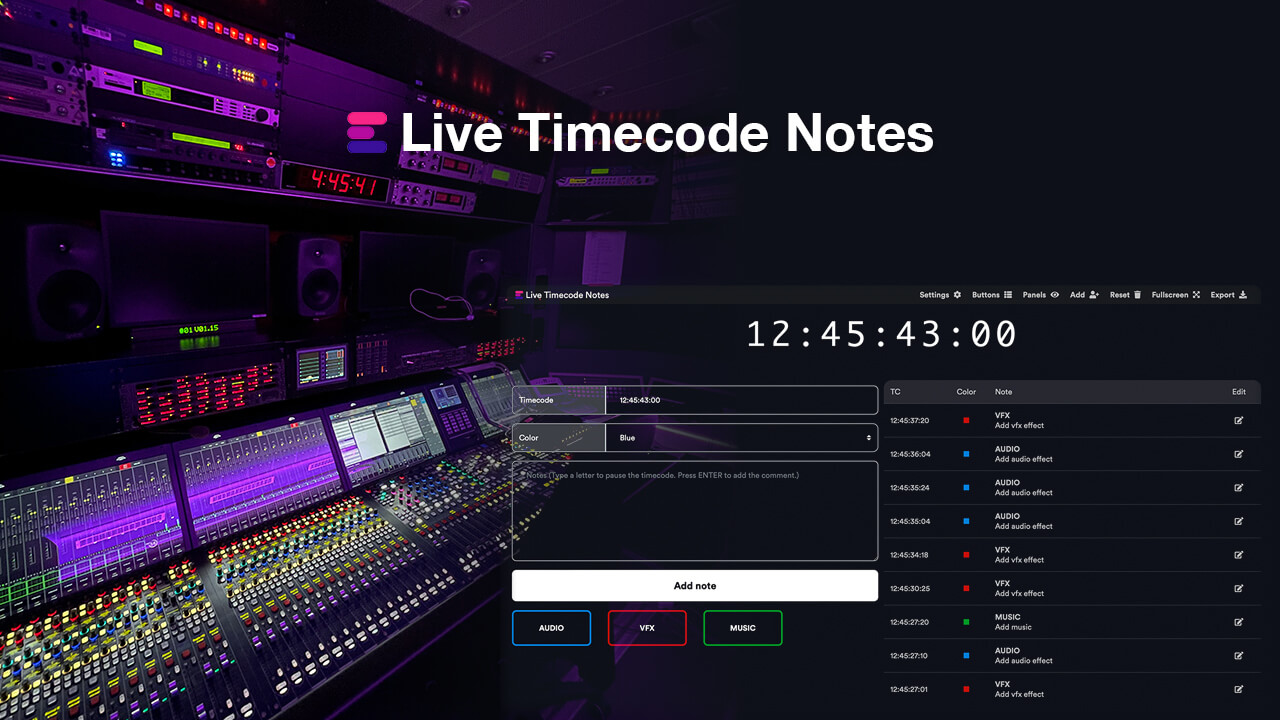
Create editorial notes for live events or studio recordings with your team in real time, download the notes as CSV, PDF, or Excel files, or import them directly into an editing sequence in Adobe Premiere Pro, Avid Media Composer, DaVinci Resolve, and/or other NLEs as markers.
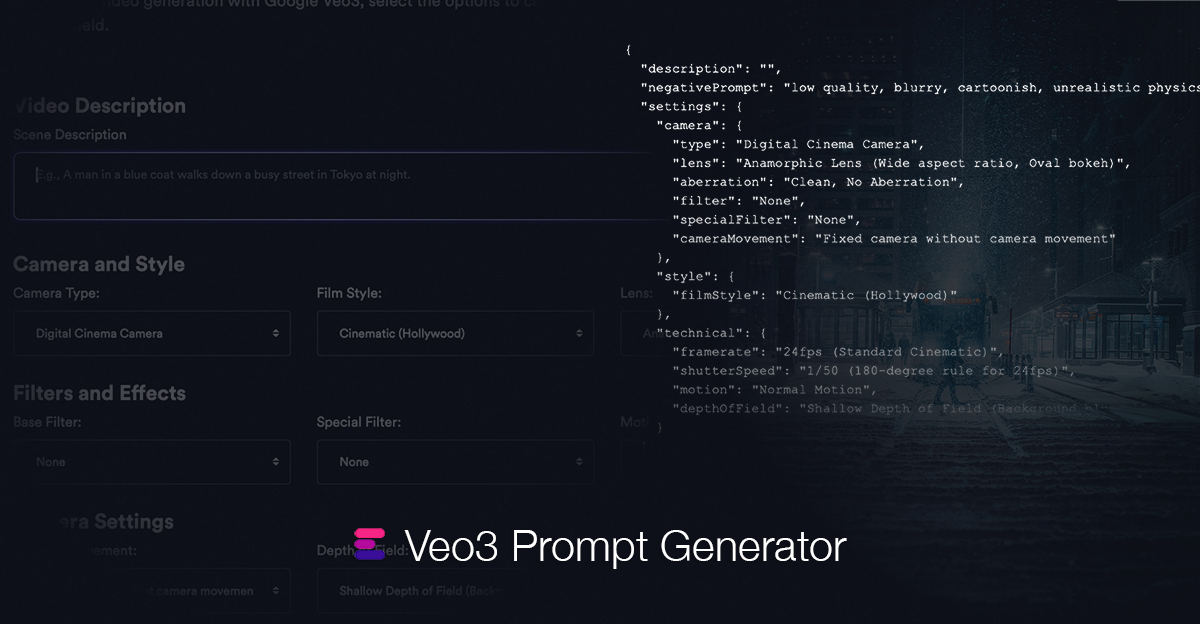
To improve video generation with Google Veo3, select the options to create a structured JSON object. Then, simply copy the generated JSON into the Veo3 prompt field.
Generate an Editors' Codebook from one or more ALE files. Export it as CSV or formatted HTML file.
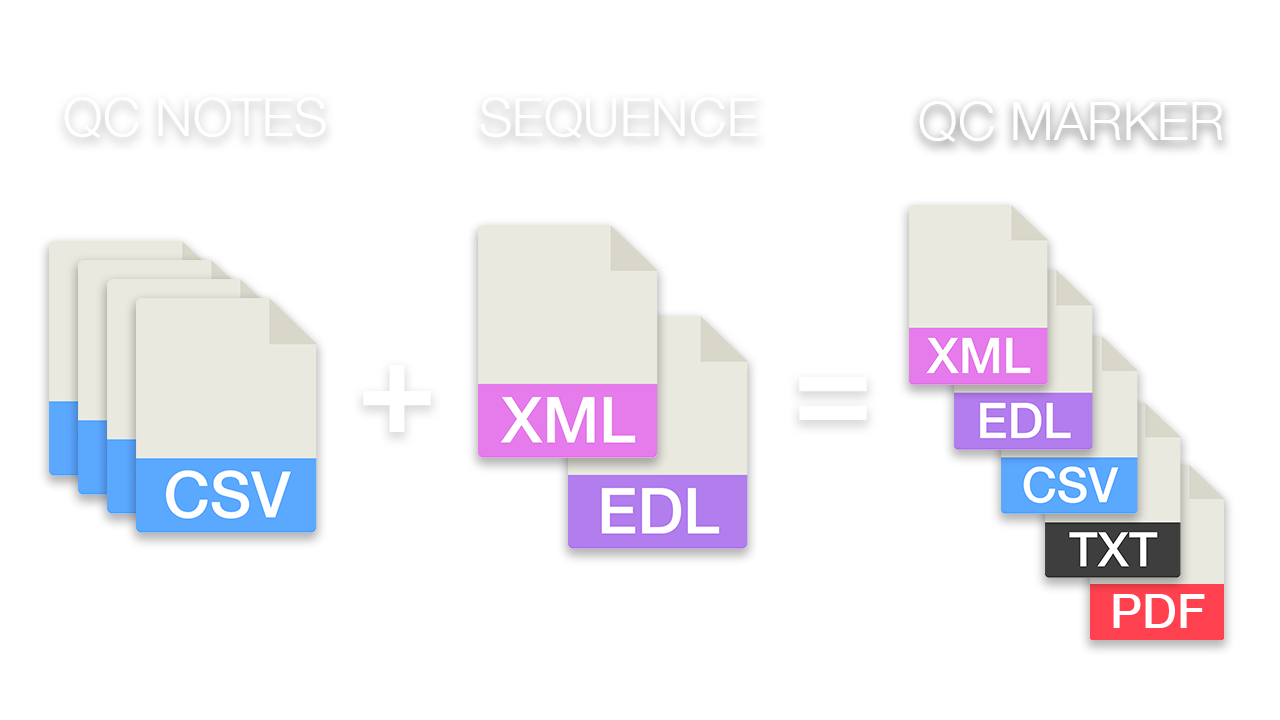
Compare an editing sequence with original camera file QC notes from all shooting days and transfer all relevant QC notes as markers to a master timeline for Resolve, Premiere Pro or other formats.
Do you have a question or problem that we can help with? Don't hesitate to contact us!
We provide real human support, and someone from our team will personally respond to support question.
How can we contact you?
Sending your withdrawal...
Consumers can withdraw from a contract concluded with us online within the withdrawal period (14 days). You do not need to give a reason. After you confirm, you receive an acknowledgement of receipt by email with the content of your withdrawal and the date and time it was received. Details: Right of withdrawal.
Required fields *
Sending your cancellation...
Cancel a subscription or another ongoing contract. You do not need to sign in. After you submit, you receive a confirmation by email straight away, with the date and time of receipt and the date your contract ends.